Workflow Automation
Inside Action’s Workflow Builder: How to Design AI Automations Without Code
An AI workflow builder is the interface between intention and execution.

Action is ActionAI's workflow builder: a no-code/low-code platform that lets operations teams design, deploy, and monitor multi-step AI workflows without writing application code. It handles task automation, document processing, decision routing, and compliance verification through a visual interface, all backed by ActionAI's reliability architecture (confidence scoring, human-in-the-loop escalation, audit trails, and live monitoring).
What Action Is and What It Is Not
Action is a workflow builder for production AI. It is not a chatbot builder, not a prompt playground, and not a general-purpose automation tool. It is designed for teams that need to automate multi-step, document-heavy, decision-intensive workflows and then verify that the automation is working correctly.
The distinction matters because most "AI automation" tools focus on the AI part (generate a response, classify a document) and ignore the workflow part (what happens next, who reviews it, where does the audit trail live). Action focuses on both: the AI does the work, and the reliability architecture verifies it.
How Action Works: The Four Layers
Action is built on four layers that work together:
Layer 1: Workflow Canvas
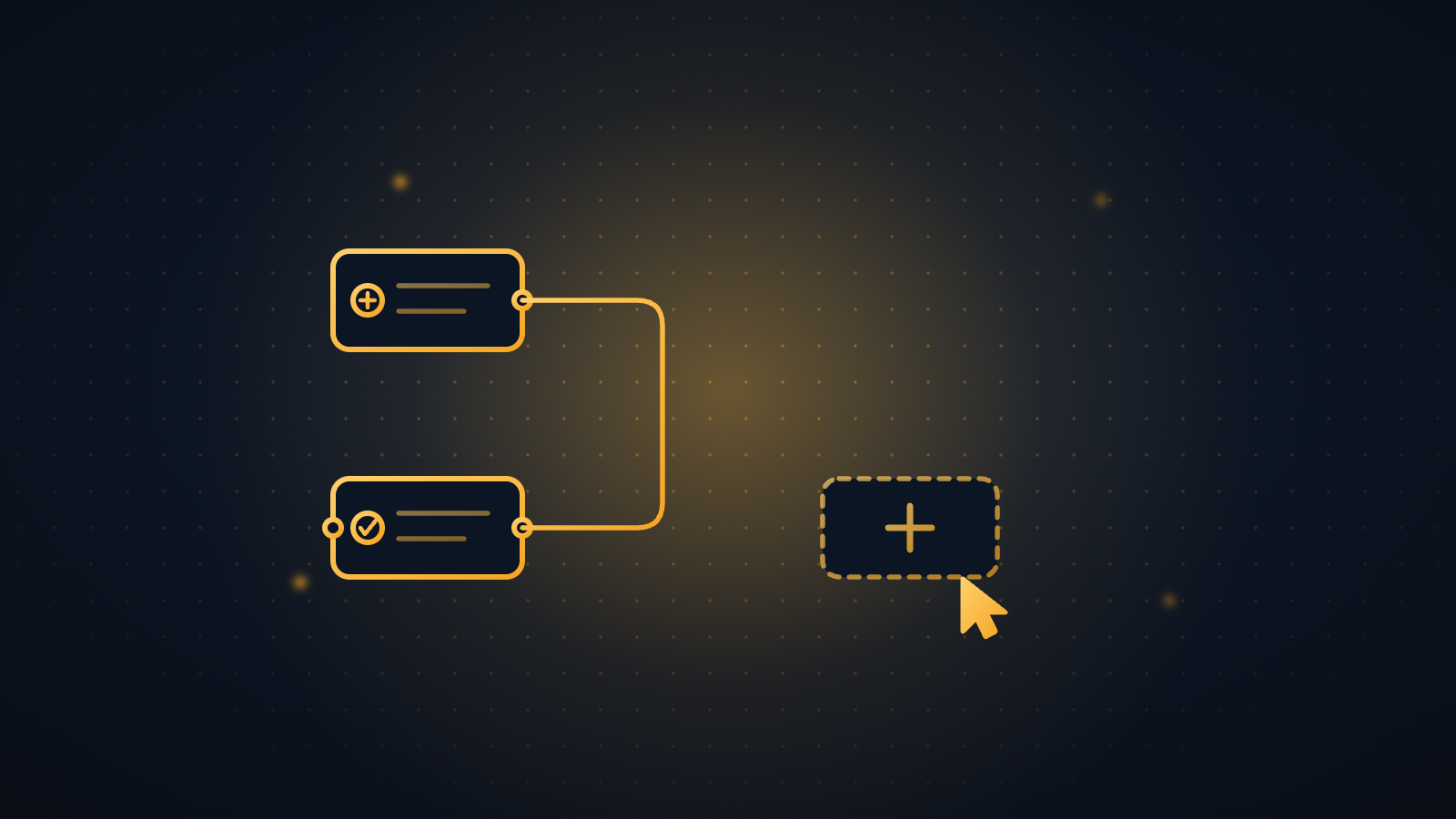
A visual builder where you design workflows as directed graphs. Each node is a step: ingest a document, extract data, validate against a reference source, classify, route, archive. Nodes connect with edges that define the flow. Conditional logic (if confidence > 90%, auto-approve; if < 80%, escalate) is set per node.
The canvas is designed for operations teams, not developers. You drag, drop, and configure. The underlying orchestration, including queueing, retry logic, error handling, and parallel execution, is handled by the platform.
Layer 2: ActOne (AI Engine)
ActOne is ActionAI's AI engine. It powers the extraction, classification, and decision-making nodes in Action workflows. ActOne handles document understanding (OCR, layout analysis, entity extraction), text generation (summaries, responses, classifications), and structured output (JSON, form fields, data mapping).
ActOne is not a single model. It orchestrates multiple models per task: one for extraction, one for validation, one for classification. Each model produces a confidence score. The scores compound across the workflow.
Layer 3: ExEx (Explainable Exceptions)
When a node's confidence drops below the threshold you set, ExEx routes the output to a human reviewer with full context: the original input, the AI output, the confidence score, the reason for the low score, and suggested alternatives. The reviewer makes the decision. That decision is logged as ground truth and feeds back into the model.
ExEx is the pattern that makes production AI reliable. Roughly 95% of outputs flow through automatically. The remaining 5% get human judgment with the right context.
Layer 4: Monitoring and Audit
Every workflow run is logged: inputs, outputs, confidence scores, node-level latency, escalation decisions, and reviewer actions. The monitoring dashboard shows real-time and historical performance. Alerts fire when confidence distributions shift, escalation rates spike, or throughput drops.
This layer is what makes the difference between a demo and a production system. You can see what the AI is doing, whether it is getting better or worse, and where the failure points are.
Before and after: workflow operations with and without Action
Who Uses Action?
Action is deployed across regulated industries where document-heavy workflows need automation with auditability. The primary users are operations teams, not data scientists or developers. Teams that rely on Action and ActOne in production environments.
- Insurance carriers processing claims, underwriting submissions, and policy changes across their operations.
- Government agencies automating document review, eligibility determinations, and compliance checks.
- Finance teams running reconciliation workflows, audit preparation, and regulatory filings.
- Legal operations teams processing contracts, discovery documents, and case management workflows.
Building a Workflow: Step by Step
Here is how a typical document processing workflow gets built in Action:
Step 1: Define the Input
Select the document source: email attachment, API upload, file drop, or manual upload. Action normalizes all inputs to a common format. Metadata is captured automatically: document hash, timestamp, source, sender.
Step 2: Add Processing Nodes
Drag processing nodes onto the canvas. Common node types:
- Extract: Pull structured data from unstructured documents. Configure which fields to extract (vendor name, invoice amount, policy number, claim date).
- Classify: Categorize the document (invoice, claim form, policy amendment, correspondence). Classification confidence determines downstream routing.
- Validate: Compare extracted data against reference sources (vendor master, policy database, historical records). Validation checks produce pass/fail with confidence.
- Enrich: Add context from external sources (credit scores, market data, regulatory databases).
Step 3: Set Confidence Thresholds
For each node, set the confidence threshold that determines whether the output auto-approves or routes to human review. Thresholds are business decisions, not technical ones. A $500 invoice might auto-approve at 85% confidence. A $500,000 contract might require 95%.
Step 4: Configure Escalation
Define what happens when confidence drops below threshold. Who reviews it? What context do they see? What is the SLA for review? What happens if the SLA is missed? ExEx handles the routing. You configure the rules.
Step 5: Connect the Output
Define where the processed data goes: ERP system, database, email notification, downstream workflow. Action supports API-based output to any system. Pre-built connectors exist for common platforms.
Step 6: Test and Deploy
Run the workflow against a test set. Review confidence distributions, escalation rates, and output accuracy. Adjust thresholds if needed. Deploy to production with monitoring enabled from day one.
How Action Handles Common Workflow Challenges
Document Variability
Documents arrive in different formats, layouts, and quality levels. Action's extraction engine handles PDFs, images, scanned documents, and structured forms. When a new format appears that the system has not seen before, confidence drops and the document routes to human review. The human's extraction becomes training data for the next model iteration.
Multi-Step Validation
Many workflows require validation against multiple sources. An insurance claim might need to be validated against the policy terms, the adjuster report, the repair estimate, and the claimant's history. Action chains validation nodes and compounds confidence across them. If any single validation drops below threshold, the entire chain routes to review.
Compliance and Audit
Regulated industries need audit trails. Action generates them automatically. Every extraction, validation, classification, escalation, and reviewer decision is logged with timestamps, confidence scores, and actor identification. When a regulator asks "how did you process this document?", the answer is a complete, timestamped decision trail.
Action and ActOne Pricing and Access
ActionAI offers Action and ActOne through enterprise agreements. Pricing is based on workflow volume, complexity, and support requirements. There is no self-service tier.
To see Action in production and discuss pricing for your specific workflows, book a demo.
Frequently Asked Questions
Do I need to be a developer to use Action?
No. Action is designed for operations teams. The visual canvas lets you build workflows by dragging and connecting nodes. Configuration is through forms and dropdowns, not code. For advanced integrations (custom APIs, proprietary data sources), ActionAI provides engineering support.
How does Action compare to Zapier or Make?
Zapier and Make are general-purpose automation tools. They connect apps and move data between them. Action is an AI workflow builder designed for document-heavy, decision-intensive processes in regulated industries. The key differences: confidence scoring on every step, human-in-the-loop escalation, audit trails, and a reliability architecture built for production.
Can I integrate Action with my existing systems?
Yes. Action supports API-based integration with any system that has an API. Pre-built connectors exist for common enterprise platforms (ERP, CRM, document management). Custom integrations typically take 2-4 weeks.
How long does it take to build a workflow?
A straightforward document processing workflow (ingest, extract, validate, route) can be built in 1-2 days. More complex workflows with multiple validation sources, custom classification models, and multi-level escalation take 1-3 weeks. Production hardening (threshold calibration, monitoring setup, user training) adds another 2-4 weeks.
What happens if my workflow fails?
Action has built-in error handling: retry logic, fallback paths, and alert notifications. If a node fails (API timeout, malformed input, model error), the system retries according to your configuration. If retries are exhausted, the item routes to a fallback path (usually human review) and an alert fires. Every failure is logged for debugging.
How does Action handle data security?
Action processes data within your security perimeter. Data is encrypted in transit and at rest. Role-based access controls determine who can build, edit, and monitor workflows. Audit logs capture all access and changes. ActionAI does not retain customer data beyond the processing window you define.
Get reliability insights.
No spam.
Continue reading